


<img height="1" width="1" style="display:none" src="https://www.facebook.com/tr?id=960145342853986&amp;ev=PageView&amp;noscript=1">
Primary_withouttagline-Aug-11-2026-10-28-19-9016-AM

Trip_Pipeline-Logo

So…where to begin?

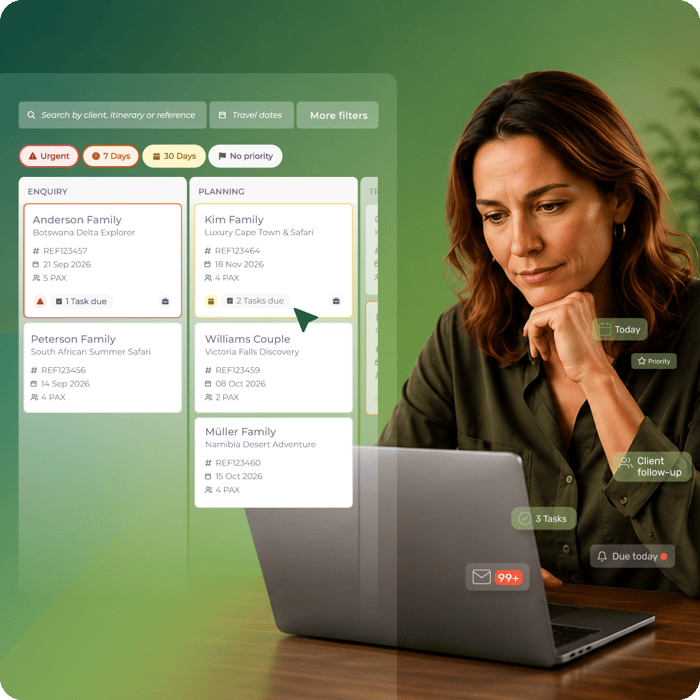
Bring your active trips, team tasks, and workflow deadlines out of scattered spreadsheets and into one travel-specific workspace, so that every trip stays on track.

TripPipeline_UI_Hero

Run every trip. Not just the itinerary.

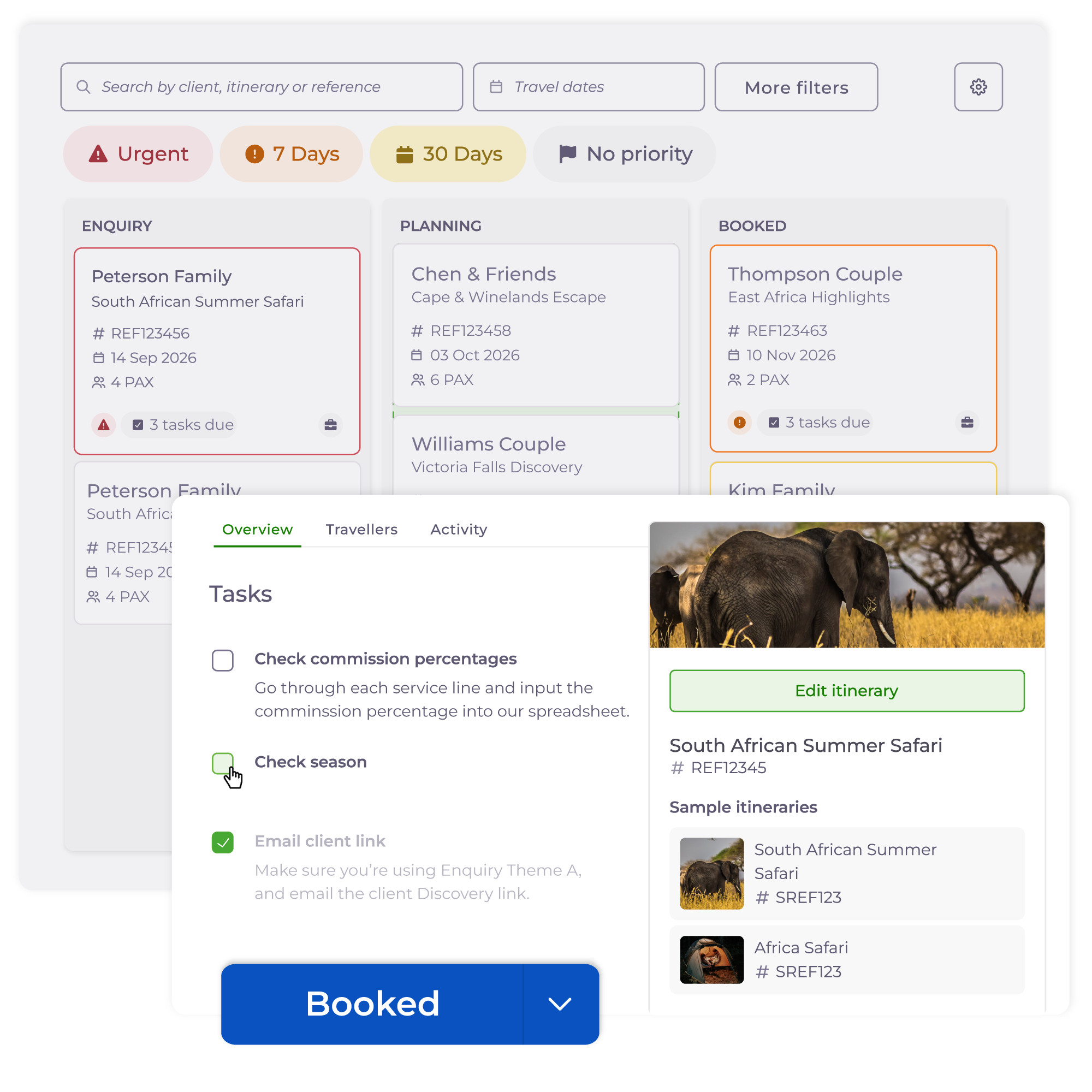
TP_Tracking

Track every trip at a glance

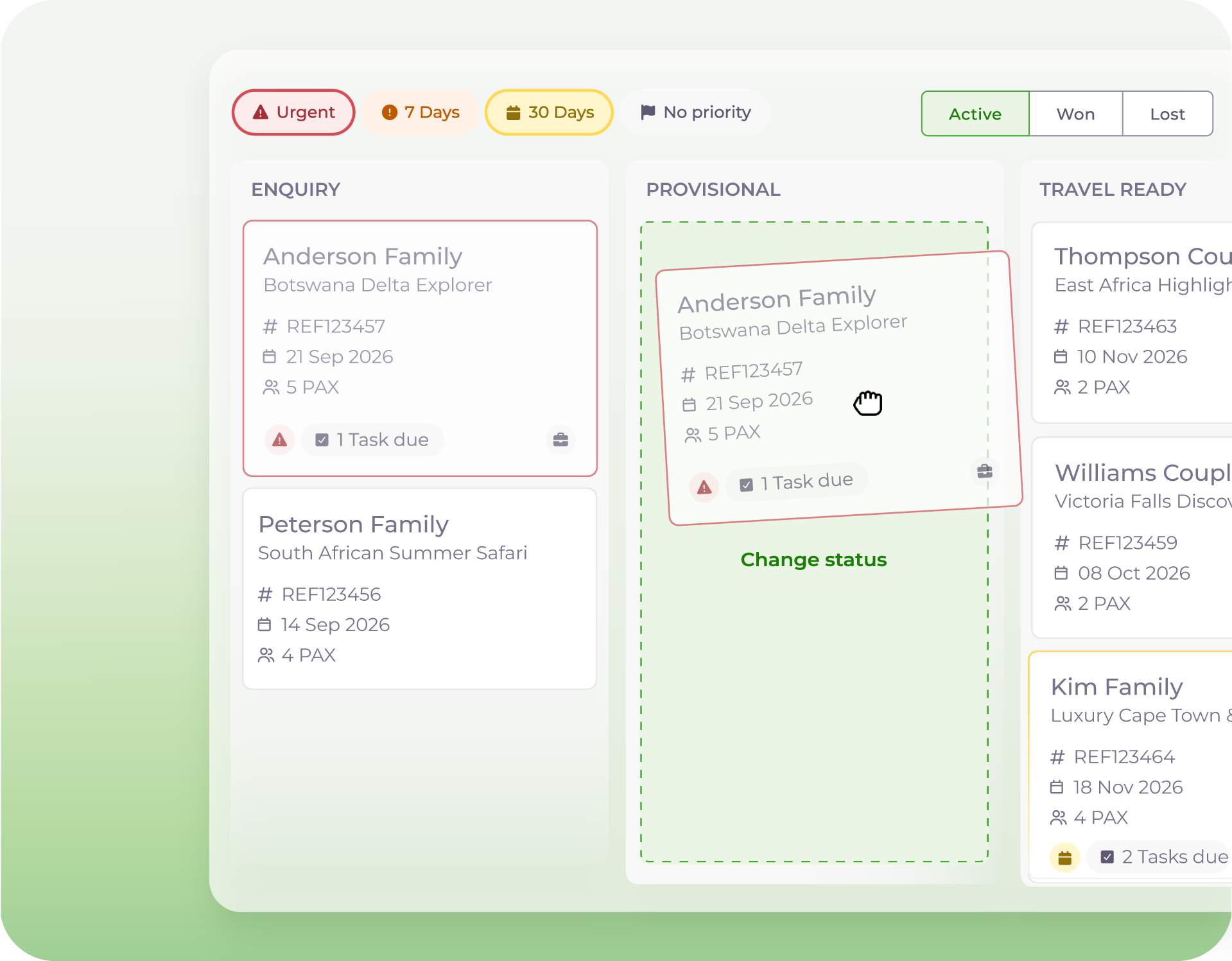
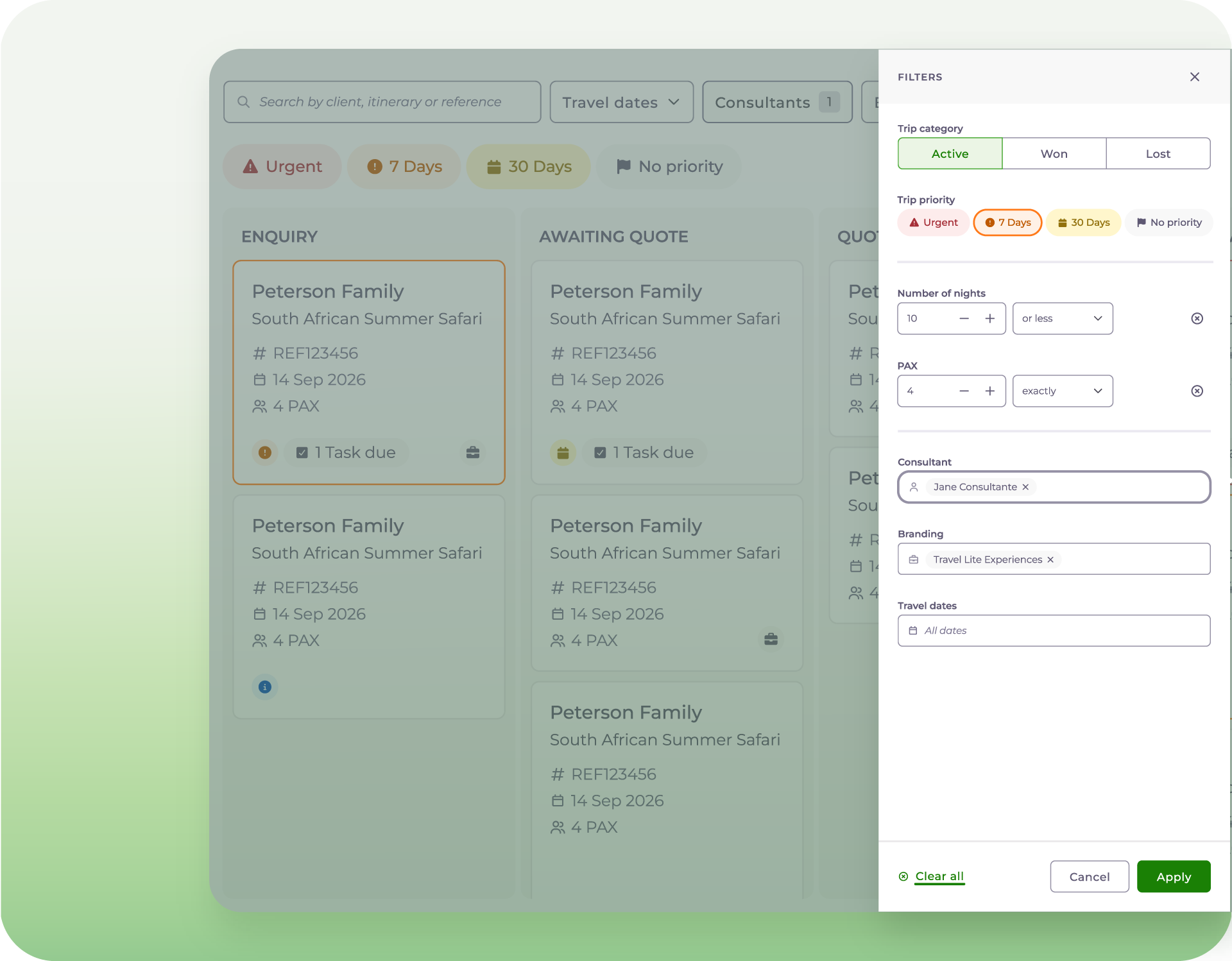
Move trips across clear journey stages customised to your business workflow. Easily filter your board on a busy Monday to isolate what needs your attention this week.

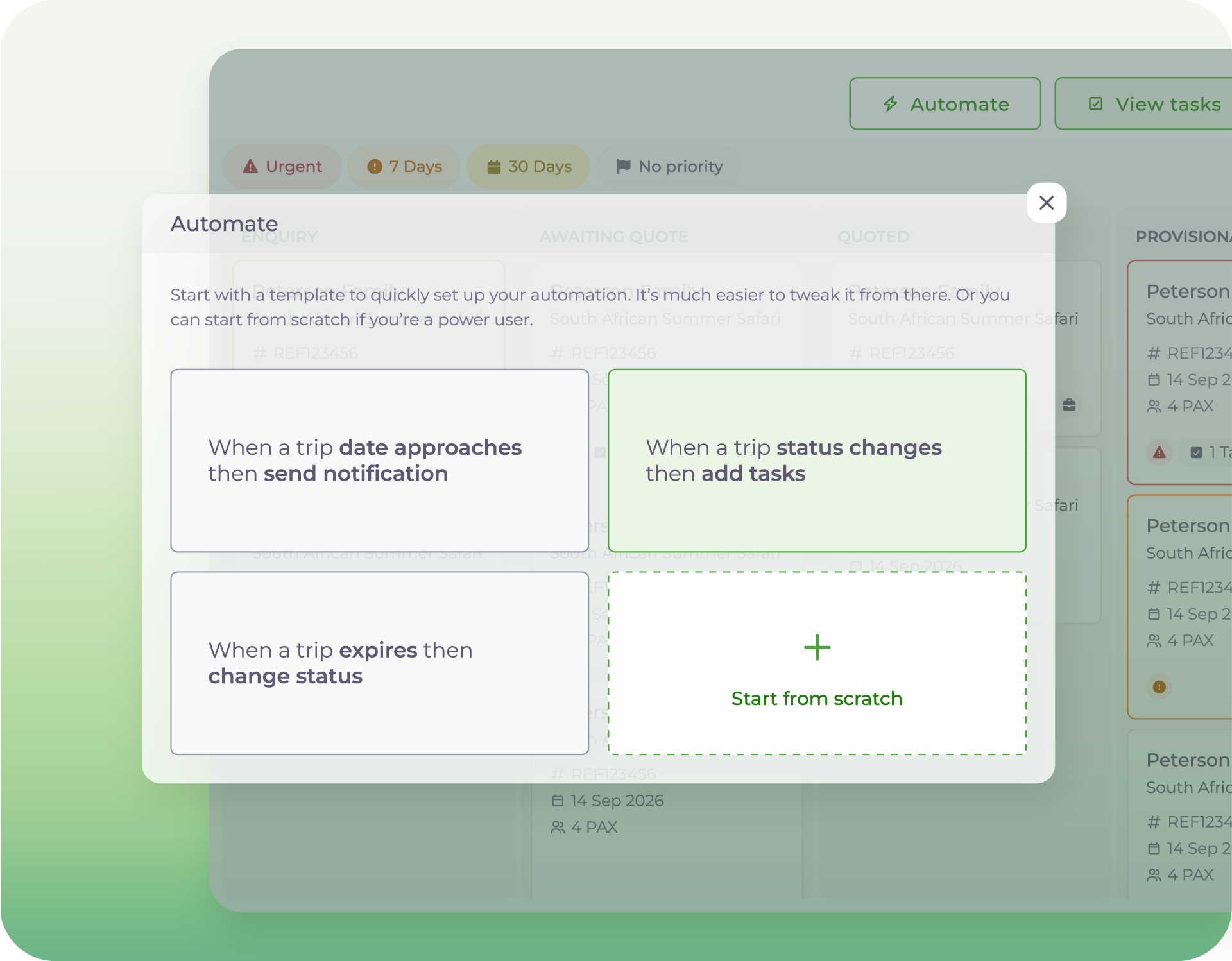
TP_Automation

Build once, automate forever

The busier things get, the less chance someone will “just remember to do it”. Automatically trigger your team’s standard checklist scripts, due dates, and reminders the exact moment a trip transitions stages.

TP_Assign

Effortlessly assign trips to your team

Eliminate the stress of staff absences or unexpected sick leave. A centralised activity timeline logs notes, outstanding tasks, and updates automatically, allowing any consultant to step in and continue helping the customer without dropping a single ball.


See the workspace in action

Watch our webinar recording for an in depth guide into Trip Pipeline and the automation opportunities that await.


Frequently asked questions

Why was Trip Pipeline created?

Wetu recognized that building itineraries is only one part of the travel sales process. Consultants also need to:

  • Manage inquiries
  • Track follow-ups
  • Monitor trip progress
  • Coordinate travelers
  • Complete operational tasks
  • Automate repetitive work

Trip Pipeline provides a structured way to manage these activities from inquiry to post-travel


How do I get started?

If you are not yet on Wetu, sign up for your Free Trial.

If you are an existing Premium or Enterprise Wetu customer, Trip Pipeline appears on the navigation bar between the Home and Contacts icons.


Which Wetu product plan supports Trip Pipeline?

Trip Pipeline is included in Wetu's Premium and Enterprise packages.

Can I customise the board to suit my business requirements?

Yes.

Statuses can be customised.

The Automations capability also allows customers to build their own customised automations or select from the pre-built templates. 

What are the filtering and search capabilities of Trip Pipeline?

Users can search by:

  • Client name
  • Trip name
  • Itinerary name
  • Reference number

Trips can be filtered by:

  • Travel date
  • Date range
  • Year
  • Consultant
  • Branding/Identity
  • Number of travelers
  • Number of nights

Multiple filters can be combined.

Does Trip Pipeline support language customisation?

The Trip Pipeline Statuses and Automation functionality enables free text which allows for any language to be used.


Where can I go to learn how to navigate and use the Trip Pipeline product?

Our Knowledge Base article offers a step-by-step guide on how to navigate through the product.

If you'd like to speak to someone, please contact our support team support@wetu.com 

TP_Asset-4-2
GA3_1200x1200-1

Know what needs attention. Manage trip deadlines and keep everything moving

Ready to drop the administrative chaos and upgrade your team's efficiency with our specialised tour operator software? Register for our free trial and test how easy it is to manage your business inside Wetu.